How to Build a Paid WordPress Website in 4 Steps
Never built a site on WordPress.com? Follow four steps for a paid WordPress website: choose a plan, name the site, add contact details and start posting.

Besides Blogger, there is also WordPress, another blog engine. Many people use WordPress because its features are practically unlimited, it is easy to learn and, of course, it is free. Blogger and WordPress each have their strengths and weaknesses, and neither needs an introduction. We have already covered how to create a website with Blogger. Now it is WordPress's turn. Here is how:
Read also: 7 Health Benefits of Whole Wheat Bread for Our Bodies
Open the Site
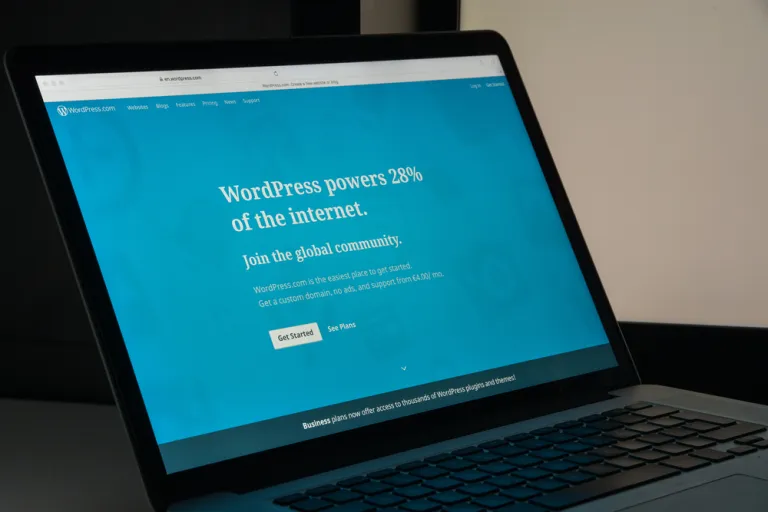
Do not mix them up: WordPress comes in two versions, one ending in .org and one ending in .com. This guide uses the .com version. After you open the WordPress site, make sure you have registered and have an account. You will then see two options, "start with a blog" or "start with a website". Choose the website option, then pick the theme you want.
Enter the Website Name
The next step in building a website with WordPress is to enter the name you want for your site. That name becomes your website's domain address. WordPress will then suggest domain names that suit your site. After that you will see the Personal, Premium and Business plans. Choose Personal. It is meant for individual websites and suits beginners.
Set Up Your Contact Information
Once your personal website has been created on WordPress, you need to enter your contact information, such as your name, email, country and address. Do not forget the city and postal code. You will then be taken to the payment page. Payment must be made by credit card, and the charge covers a full year rather than a single month.
Write or Post
When payment is done, you can start posting on your website. Click "Write" in the upper right corner. If a post is not finished, you can save it as a draft. When it is ready, you can publish it right away or schedule it to go live automatically.
Read also: A Sample Life Insurance Policy From Panin Dai Ichi Life
WordPress and Blogger each have their pros and cons. For a more professional-looking website, WordPress is the better choice, but beginners are advised to start with Blogger, which is easier. We hope these steps for building a website with WordPress are useful.